- A natural language to-do list reads a plain sentence like “call Anna tomorrow at 2” and attaches the date and time for you, with no calendar picker.
- The real gain is fewer micro-decisions per task, which keeps capture fast enough that you actually write things down.
- Research on unfinished tasks suggests that recording a task with a concrete time frees up attention, even before the task is done.
- Vekto parses date and time in its Today view quick-add across the 10+ languages it follows from your system.
- Plain-language entry still misdetects some phrases, so a good app lets you tap a highlighted word to correct it.
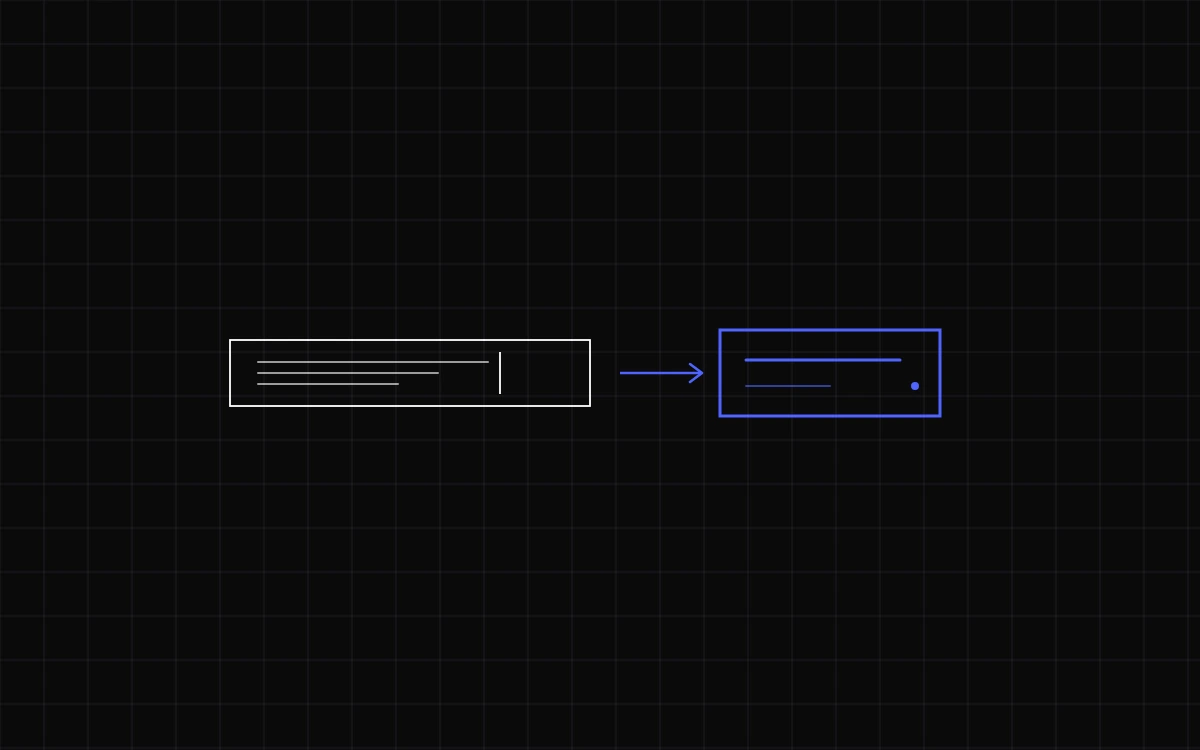
Typing “call Anna tomorrow at 2” and having it filed under tomorrow at 14:00, with no date picker and no dropdown, is the whole idea behind a natural language to do list. The app reads your plain sentence and pulls out the date, time, and any repeat pattern as you type. The point is not raw speed. It is cutting the small decisions that sit between having a thought and saving it as a task.
What is a natural language to-do list?
A natural language to-do list lets you add a task by typing an ordinary sentence, like “email the landlord Friday 9am,” and it parses the date and time automatically instead of making you tap through a calendar. The task text stays readable; the scheduling detail is extracted and attached in the background, usually highlighted so you can see what was detected.
This is different from a plain text box that stores whatever you type as a flat string. Here the app understands that “Friday” means a due date and “9am” means a time, then files the task accordingly. Todoist, TickTick, Any.do, Microsoft To Do, and ClickUp all ship some version of this, and it is one of the few features that meaningfully changes how quickly a list fills up.
Why plain-language entry lowers the cost of capturing a task
Every task you save is really a short chain of decisions: write the words, open the date field, pick a day, pick a time, confirm. Each step is tiny, but they add up, and the friction is highest at the exact moment you least want it, when a task pops into your head while you are doing something else. If capture is slow, the honest outcome is that you stop capturing and try to hold the task in your head instead.
Holding it in your head has a cost. In a well-known 2011 study, Masicampo and Baumeister found that unfinished tasks keep intruding on attention and drain working memory, and that simply making a concrete plan for when and how you will do them removes that interference, even before the task is done. A dated line in a list is a concrete plan. Writing tasks down is a plain form of cognitive offloading, and a 2025 meta-analysis in Memory and Cognition found that offloading gives a reliable performance advantage over holding information in memory, especially as the load grows.
The brain does not need the task finished. It needs to trust it will not be lost. A fast, dated capture buys that trust.
Natural language entry attacks the friction directly. Instead of five interactions, capture is one sentence and a press of Enter. Lower cost per task means you capture more of them, which is the quiet mechanism behind most advice on how to plan your week and on beating decision fatigue: the fewer choices a tool forces on you, the more of your judgment is left for the work itself.
What Vekto reads when you type
Type a sentence into the quick-add field in Vekto’s Today view and it looks for the parts it can recognize, then leaves the rest as the task name. A few examples of what it handles:
- “Call Anna tomorrow 14:30” becomes the task “Call Anna,” due tomorrow at 14:30.
- “Submit invoice Friday” becomes “Submit invoice,” due this Friday, with no time set.
- “Dentist next Tuesday 9am” becomes “Dentist,” dated and timed for the following Tuesday.
- “Water the plants” stays exactly as written, because there is nothing to parse.
Because the words you actually see are the words you typed, the list stays readable rather than turning into a form full of fields. Vekto follows your system language across 10+ languages, so “morgen” or “mañana” is read the same way “tomorrow” is. Anything that slips through, or a task you did not get to, carries forward through the open-from-yesterday mechanic rather than quietly disappearing.
Which to-do apps support natural language input?
Plain-language capture is now common, though the details differ. This table covers the widely used options and what each reliably parses. Recurring support means phrases like “every Monday” are turned into a repeat rule.
| App | Plain-language quick-add | Time of day parsed | Recurring phrases |
|---|---|---|---|
| Vekto | Yes | Yes | Not documented |
| Todoist | Yes | Yes | Yes |
| TickTick | Yes | Yes | Yes |
| Any.do | Yes (Smart Type) | Yes | Yes |
| Microsoft To Do | Yes | Yes | Yes |
| ClickUp | Yes | Yes | Yes |
If you want the mechanics in depth, Todoist documents its quick-add syntax thoroughly, including symbols for projects and priorities. Vekto keeps its version deliberately narrow: date and time, and nothing you have to memorize.
When natural language entry gets in the way
Parsing is a guess, and guesses can be wrong. The honest limitations are worth knowing before you rely on it:
- False positives. Type “Create monthly report” and an app may flag “monthly” as a recurring date. Good ones highlight the detected word so you can tap to undo it. Always glance at what was parsed before you hit save.
- Ambiguous times. “at 2” usually means 14:00 in the afternoon, but “next Thursday” near a weekend boundary can land a day off from what you meant.
- Complex schedules. For an oddly specific recurrence, a visual picker is often clearer and less error-prone than a long sentence.
- Language and locale. Date formats and spoken phrasing vary, so parsing quality depends on how well the app matches your system language and region.
None of this argues against plain-language capture. It argues for a design that shows its work and lets you correct it in one tap. Natural language is the fast default for the roughly four in five tasks that are a name plus a day, and a manual field is the fallback for the rest. That balance, fast where it can be and honest where it cannot, is the same one that keeps a tool from drifting into task paralysis instead of relieving it.
What is a natural language to-do list?
It is a task app that lets you type an ordinary sentence, like “call the dentist Monday 3pm,” and reads the date and time out of it automatically. The words stay as your task name while the scheduling detail is detected and attached, so you skip the calendar picker entirely.
Which to-do apps support natural language input?
Todoist, TickTick, Any.do, Microsoft To Do, and ClickUp all parse plain-language dates and times in their quick-add fields. Vekto does the same in its Today view. They differ mainly in how much extra syntax, like symbols for projects or priorities, they layer on top.
Does typing tasks in plain language actually save time?
Yes, though the bigger gain is fewer decisions rather than seconds. Capture drops from several taps to one sentence and Enter, which lowers the friction at the moment a task occurs to you. Lower friction means you write more tasks down instead of trying to remember them.
How does natural language date parsing work?
The app scans your text for words it recognizes as dates, times, or repeat patterns (“tomorrow,” “9am,” “every Monday”), extracts them, and treats the rest as the task name. Detected words are usually highlighted so you can confirm or undo the guess before saving.
Can natural language entry get the date wrong?
Sometimes. Phrases like “monthly” in a task name can be misread as a recurring date, and ambiguous times can land off by a day. A well-designed app highlights what it detected so you can tap to correct it, and keeps a manual date field for anything complex.
- Masicampo, E. J., & Baumeister, R. F. (2011). Consider it done! Plan making can eliminate the cognitive effects of unfulfilled goals. Journal of Personality and Social Psychology, 101(4), 667-683. doi.org
- Meta-analytic investigations of the effect of cognitive offloading on memory-based task performance and interindividual variability. Memory & Cognition (2025). link.springer.com
- Todoist Help: Use Task Quick Add in Todoist (natural language date recognition). www.todoist.com
- Any.do Help Center: Smart Type (Natural Language Input). support.any.do
- ClickUp Help: Natural language processing for dates and times. help.clickup.com
- Microsoft Support: Smart due date, reminder recognition in Microsoft To Do. support.microsoft.com
Founder of Vekto. Writes about calm planning, goals and the loop between them.